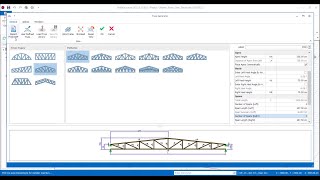
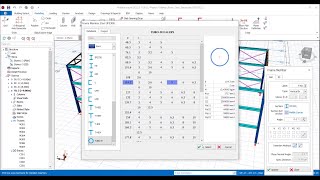
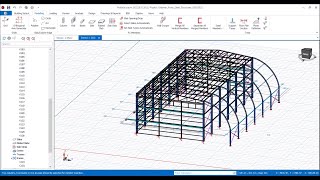
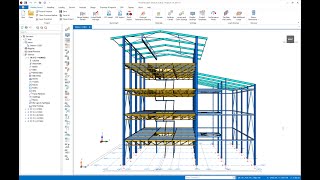
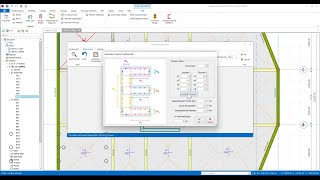
The modeling features
of ProtaStructure enables you to easily model and manage members! By utilizing
the Modeling menu, you can easily insert RC and steel columns to your model.
Plus, by adjusting the "Properties" window, you can manage all the
properties of the columns including the section profile, material properties,
support types, insertion type, etc.
of ProtaStructure enables you to easily model and manage members! By utilizing
the Modeling menu, you can easily insert RC and steel columns to your model.
Plus, by adjusting the "Properties" window, you can manage all the
properties of the columns including the section profile, material properties,
support types, insertion type, etc.
In this video, you will explore various ways to insert RC columns and all the fields available in the "Properties" window of the columns.

You can find all the further details in the Working with Columns article.